
Photo-first identification
Identify the plant in your photo.
Upload one clear image and let visible details lead the search. A short field note can help when it adds something the image cannot show.
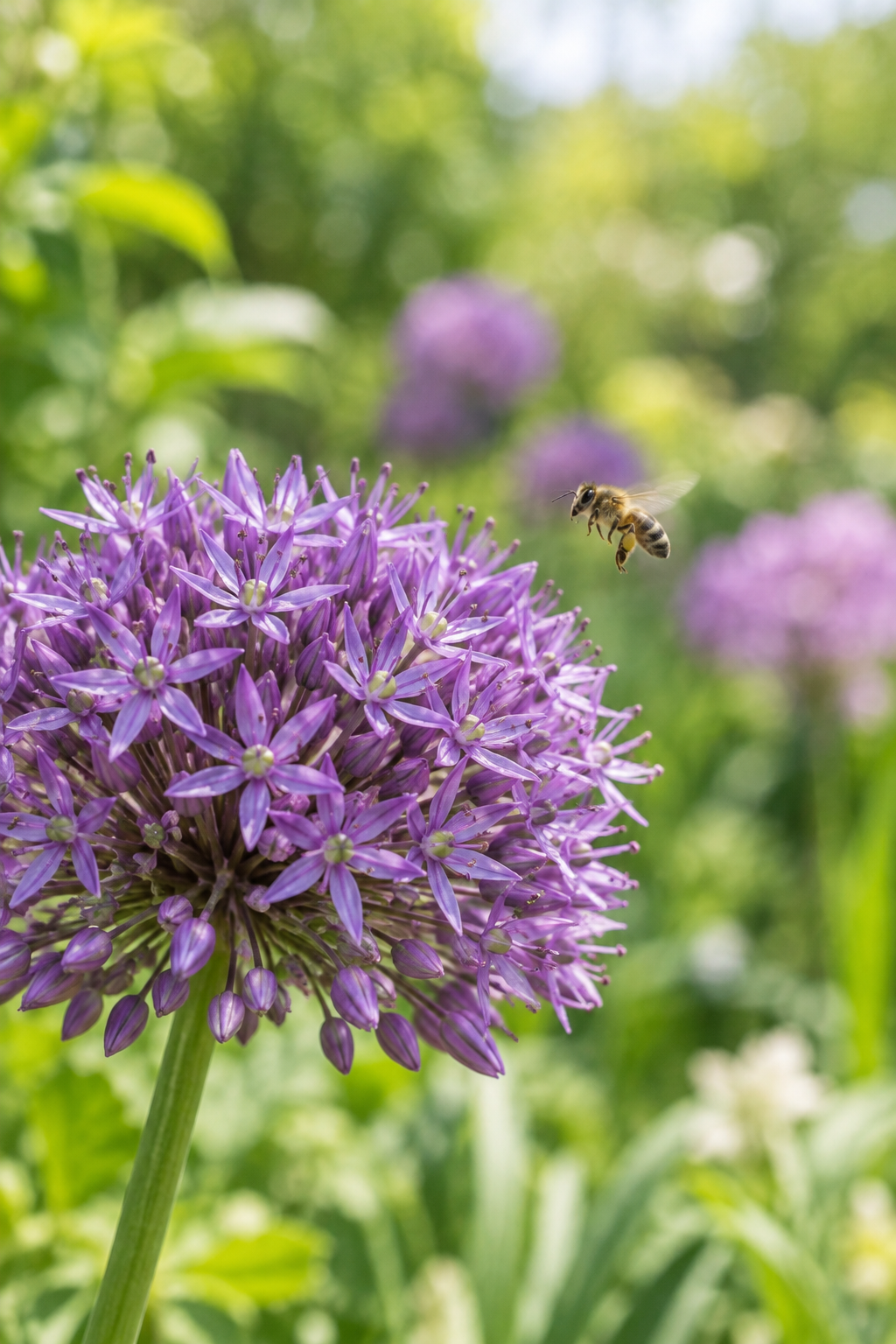
Your photo-based shortlist will appear here.
Add one clear photo above. The first result explains which visible details to compare next.
Choose the clue you have
Start with the evidence available to you, then compare the result with trusted references.
What makes a useful plant photo
A close, well-lit image gives the identifier more evidence to compare.
One clear subject
Let one leaf, flower, bark pattern, fruit, or stem fill most of the frame.
Visible natural color
Use daylight where possible and avoid filters or hard glare.
A short field note
Add habitat, season, scent, height, or region when it helps separate look-alikes.
Leaf attachment
Include the stem when you can show how the leaf connects and grows.
Multiple life stages
A bud, open flower, fruit, or seed head can add a decisive clue.
Useful scale
Include a familiar object only when it does not hide the plant detail.
Look for evidence, not a perfect photograph
The goal is a useful shortlist. Use the result to compare details you can see, then verify any important decision with a botanical reference or local expert.
Leaf structure
Edges, veins, arrangement, and texture can be distinctive.
Flower or fruit
Color, shape, and season can narrow a possible match.
Growing place
Light, moisture, and region are useful context.
Examples of helpful photo evidence
Each image can answer a different comparison question.
A leaf close-up
A single sharp leaf can reveal edge shape, veins, and texture.
"Compare the margin, vein pattern, and how the leaf attaches to the stem."
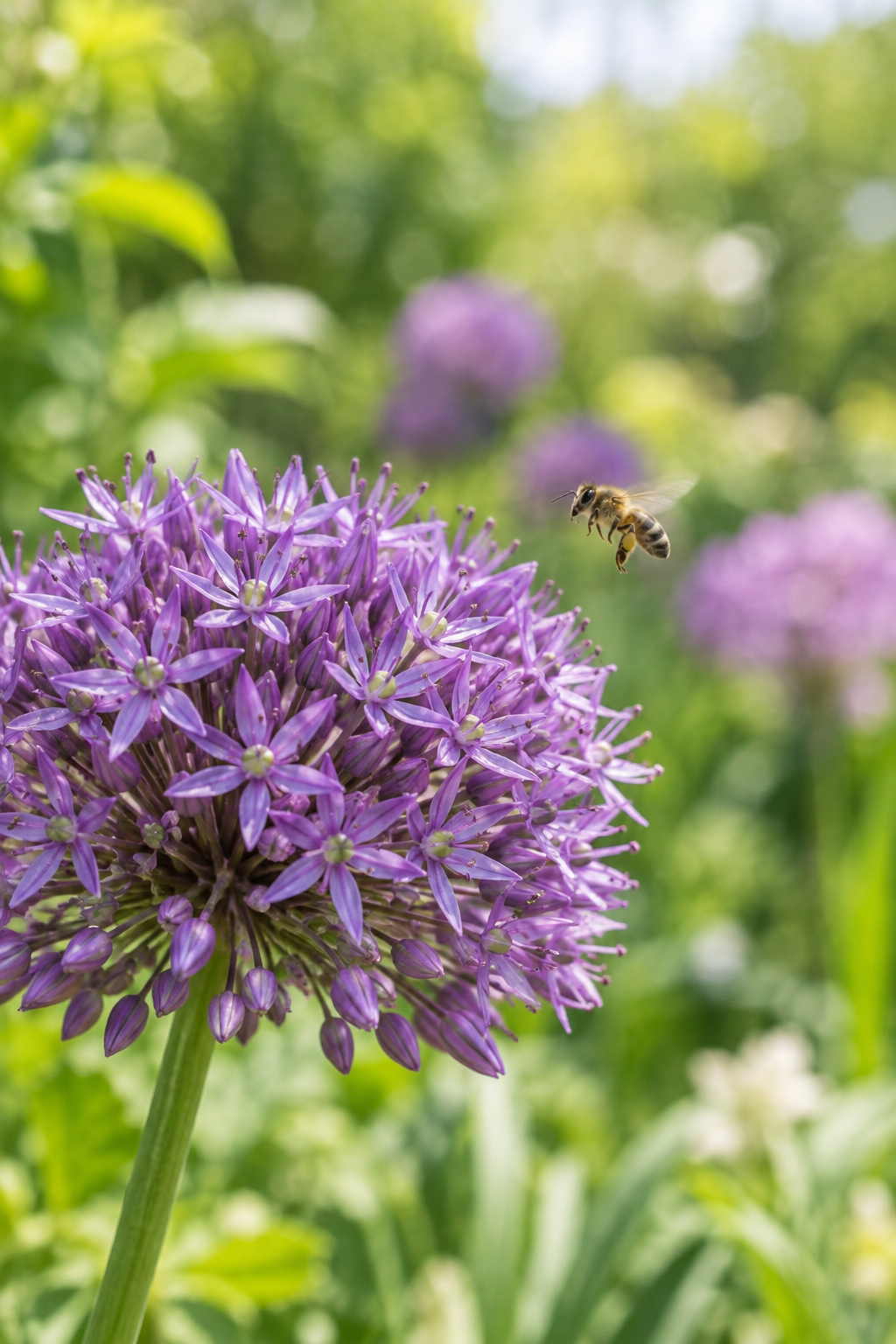
A flower with context
Show the flower together with leaves or buds when possible.
"Compare petal number, center structure, buds, and nearby foliage."
Bark on a young branch
Bark texture is more useful when the branch and nearby leaves are visible.
"Compare color, ridges, lenticels, and the leaf arrangement on the branch."
Fruit or seed head
Show how fruit or seeds attach to the plant rather than photographing one alone.
"Compare shape, color, clustering, and the season when you found it."
A whole houseplant
A full view can establish growth habit before you add a close detail.
"Compare plant form, leaf placement, pot conditions, and visible stems."
A fern underside
The underside of a frond may reveal spores or other useful structure.
"Compare leaflet shape, spore placement, and the overall frond pattern."
Before you submit a plant photo
Small choices can make the first result more useful.
Crop closer
Remove empty sky, pavement, and distant landscape when the plant detail is the clue.
Keep people private
Do not upload faces, addresses, or other sensitive details.
Verify high-stakes matches
Never rely on an AI suggestion alone for food, medicine, pets, or safety.
Hold the camera steady
Wait for a sharp frame so fine veins, hairs, and margins remain visible.
Skip severe shadows
Move to even light when dark shadow hides the true color or texture.
Try one more angle
A second view can show leaf arrangement, stem, or the back of a flower.
Using a plant photo to identify a species
Practical answers before you upload.
Use a sharp, well-lit close-up of one useful feature, such as a leaf, flower, bark, fruit, or stem.
No. The tool suggests possibilities. Similar plants may need a second detail, habitat context, or expert confirmation.
No. Verify those decisions with a qualified local expert or an authoritative botanical source.
Yes, when the first view cannot show the leaf arrangement, stem, underside, or a second distinguishing feature.
Different species can share visible traits. Compare each result with your plant and look for the suggested differences.
Avoid sensitive content and consult the Privacy Policy for the current handling of submitted images.